Form Input
The trigger that starts an agent conversation after the user fills in a short form.
What it does
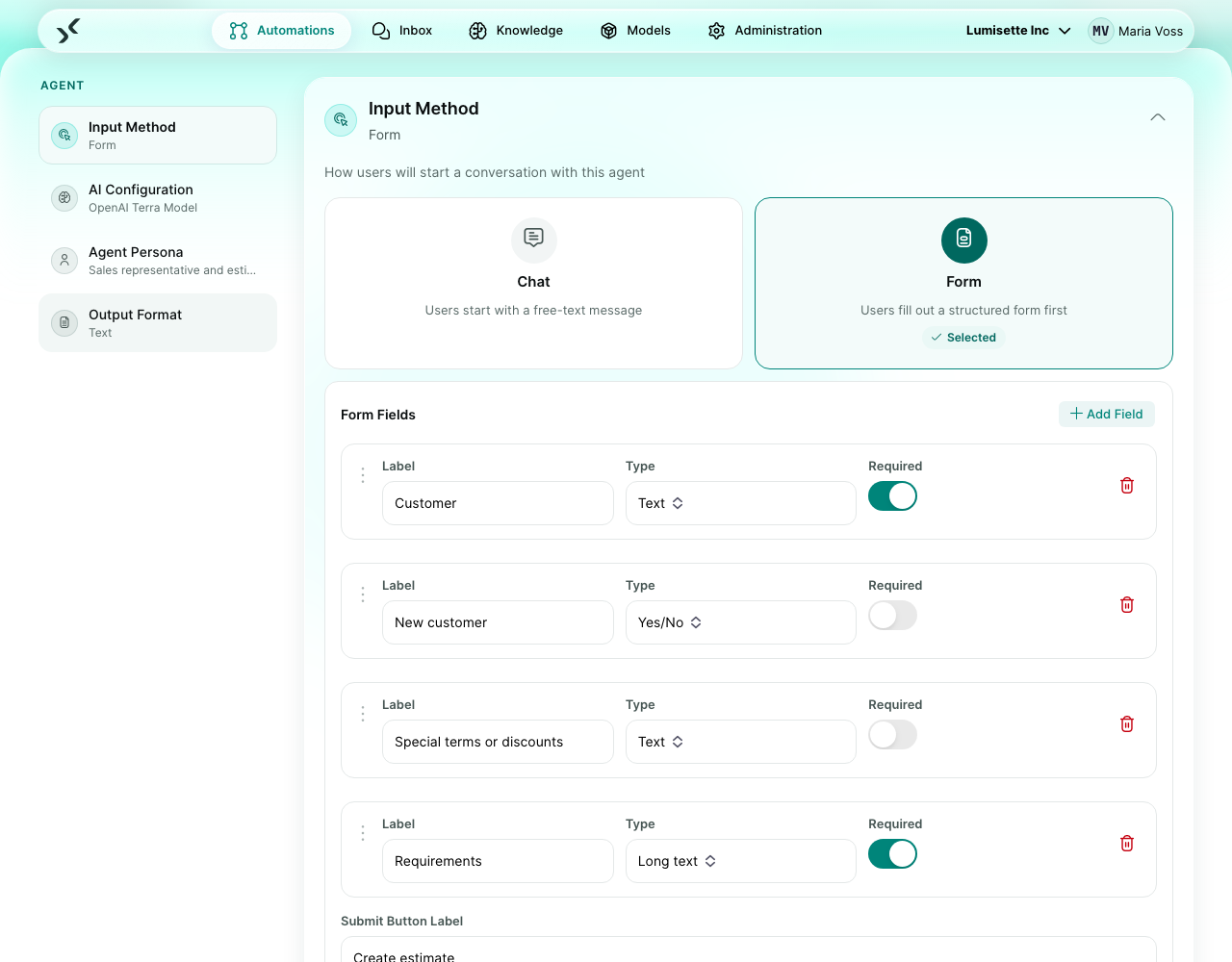
When the user picks the agent in the Inbox under "Start new conversation", they first see a form with fields you defined. After they submit, the chat opens and the form values are available to the agent right away.
Use this when the agent always needs certain inputs to do its job — typing them as the first chat message every time would be tedious and error-prone.
This is one of the two trigger choices for agent automations (the other is Chat Input). You pick between them directly in the agent editor: two cards labeled Chat and Form sit at the top of the trigger section.
What you configure
| Field | What it controls | Required | Notes |
|---|---|---|---|
| Form fields | An array of field definitions. Each field has a technical name, a label, a type (text, textarea, number, date, file, boolean), required/optional, placeholder, description, and default value. | required | The form is rendered in the order you define. |
| Submit label | Text on the submit button. | optional | Default: "Start". |
| Form title | A heading shown above the form. | optional | Use it to identify the agent in the form view. |
| Form description | A short paragraph above the form. | optional | Use it to explain what the agent will do once it has the inputs. |
Example scenario
Vacation request agent. Form Input asks for: start date, end date, type of leave (dropdown), and remarks (textarea). After submit, the agent confirms the details, looks up the requester's remaining allowance, and either approves directly or asks a clarifying question.
Recommendations
- ✅ Keep the form short. Three to five fields is the sweet spot; more and people abandon it.
- ✅ Use descriptions on individual fields when the label is not self-explanatory.
- ✅ Pre-fill default values for fields where one value is overwhelmingly common.
- ⚠️ Required fields block submission. Mark only what truly cannot be missing.
- ❌ Do not use Form Input for free-form conversations. The form gets in the way. Use Chat Input instead.
What to do next
- The alternative trigger for free-form starts: Chat Input.
- How to design the agent that uses this trigger: Agents.