Introduction
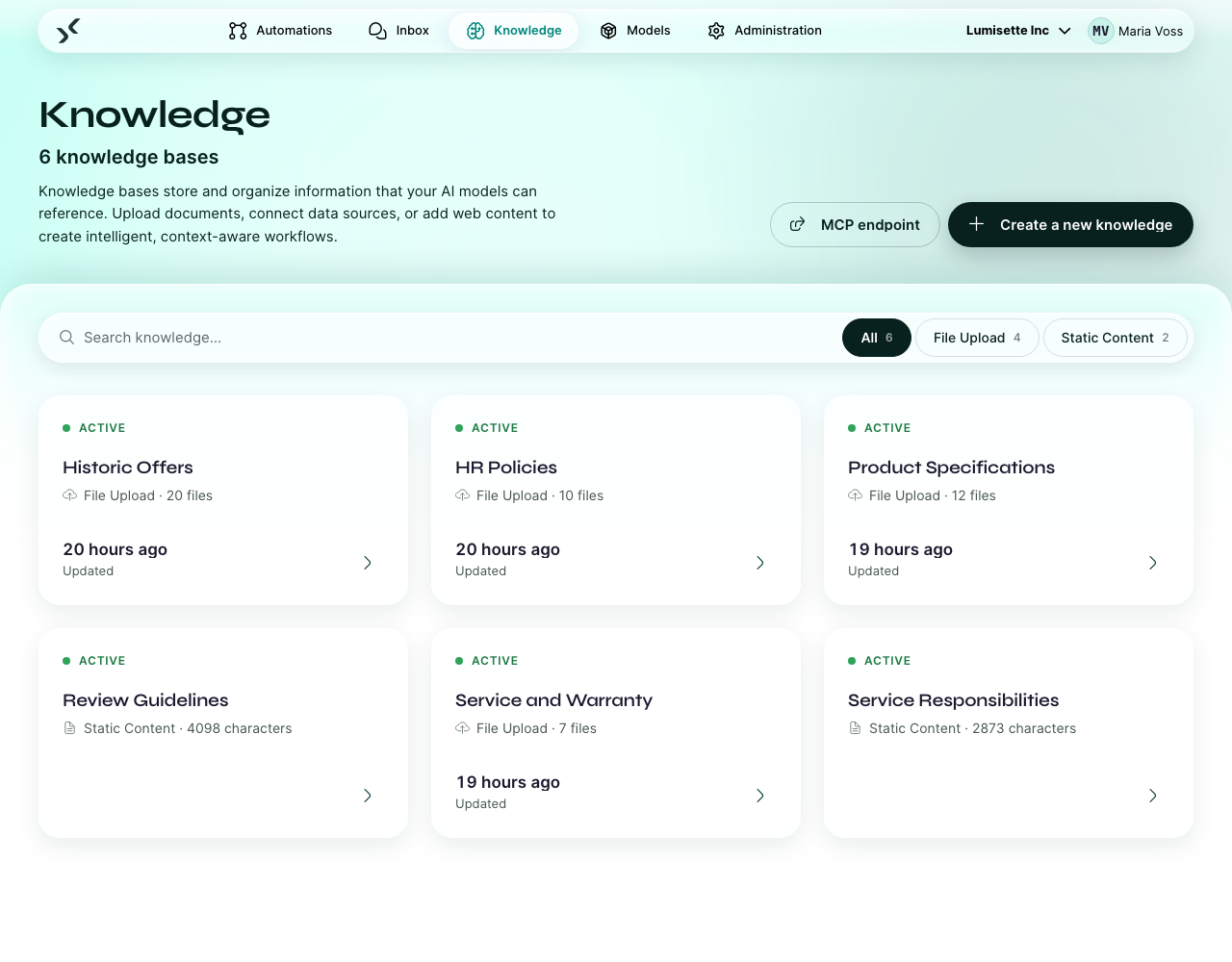
A knowledge is your own collection of documents that an AI model can search. Add the employee handbook, the product spec, your FAQs, scraped web content — anything text-based. From that point on, automations can answer questions about it.
This section explains the idea, walks you through building a knowledge, and shows how to keep it current.
Why a knowledge base helps
Out of the box, an AI model knows what it learned during training. It does not know your company, your products, your processes, your policies. There are two ways to fix that:
- Put everything in the prompt. Works for tiny bodies of text. Falls over at any real scale: too expensive, too slow, exceeds context limits.
- Use a knowledge base. Store the documents, index them, and at query time fetch only the few snippets that are actually relevant. Send those snippets along with the prompt.
This second approach is called retrieval-augmented generation (RAG). The AI Kit calls it knowledge. It is the recommended way to ground AI responses in your own data.
What goes into a knowledge
Almost any text:
- Documents — Word files, PDFs, markdown, plain text.
- Web content — public web pages, internal wikis (if reachable via HTTP).
- Database rows — for structured data, often via a workflow that exports rows as text.
- Filesystem folders — point a knowledge at a directory and let it pick up everything inside.
Each knowledge has one or more sources. Each source is a connector — a folder watcher, an HTTP fetcher, a database reader — that knows how to pull data in. You can mix sources within one knowledge; the platform handles deduplication and re-indexing.
How a knowledge is used
When an automation step (like Knowledge Query or AI action) calls a knowledge, three things happen:
- The query is turned into a vector by the knowledge's embedding model.
- The platform compares the query vector against vectors of every chunk in the knowledge.
- The top matches are returned, with the corresponding text and (usually) a source reference.
The matching is semantic: a query about "vacation policy" can match a document titled "annual leave handbook", because the embedding model understands they mean the same thing.
Concepts to know
| Concept | What it means |
|---|---|
| Source | A connector that pulls content into the knowledge. |
| Chunk | A piece of a document the platform can search independently. Long documents are split into many chunks. |
| Embedding model | The model that turns chunks into vectors. The same model is used for queries at runtime. |
| Refresh | The process of re-reading sources and re-indexing chunks. Sources can refresh on a schedule or on demand. |
| Retrieval strategy | How the platform decides which chunks to return. Most knowledges use the default ("standard") and never need to change it. |
When to create more than one knowledge
A single knowledge can hold a lot of content. The reason to split into multiple knowledges is scope:
- One knowledge per product line — so the customer-support agent can target the right one.
- One knowledge per audience — internal vs. external documentation.
- One knowledge per language — if you maintain content in multiple languages.
When in doubt, start with one and split later.
What to do next
- Create and Edit Knowledge Bases — the step-by-step.
- Refresh Knowledge Data — keeping it current.
- For the consuming side, see Knowledge Query and AI action.