Agent tool
The trigger that lets agents run a workflow on their own.
What it does
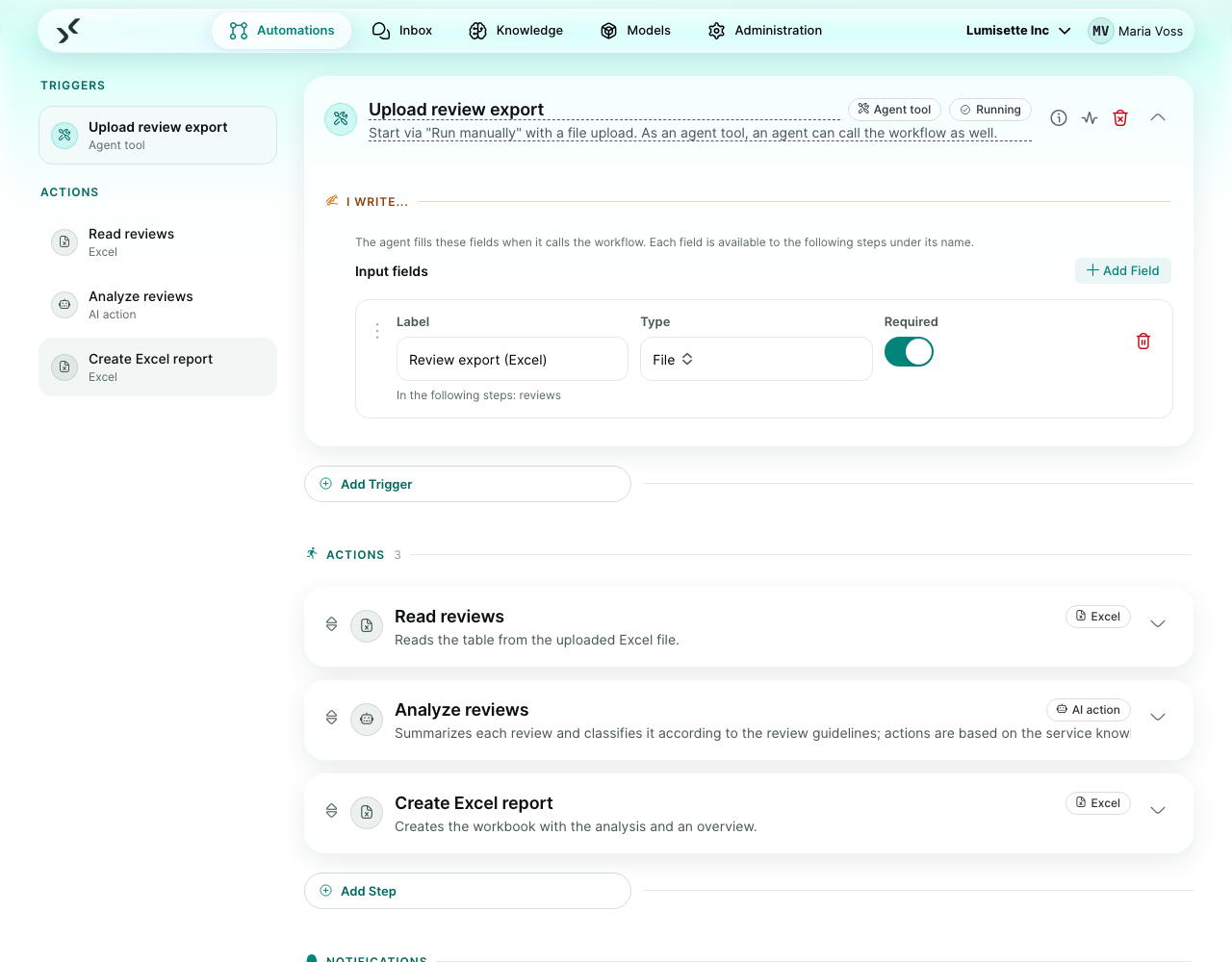
A workflow with this trigger can be selected as a tool at any agent (AI Configuration → Tools). During a conversation the agent decides when the workflow is needed, fills its input fields, and runs it. The workflow's steps run inside the agent's conversation; files they create appear in the chat.
The trigger does not listen for anything – it only defines what the agent hands over. Name and description of the tool come from the workflow itself, so describe the workflow clearly.
See Agent Tools for the full picture, including sub-agents.
What you configure
| Field | What it controls | Required | Notes |
|---|---|---|---|
| Input fields | The values the agent hands over. Each field has a label, a type (text, long text, number, date, file, yes/no) and can be required. | optional | Each field is available to the following steps under its name, shown below the label. Without fields, the workflow takes no input. |
For file fields the agent passes the name of a file from the chat (an upload of the user, or a file from another tool); the workflow receives the file itself under the field's name.
Example scenario
Create Word document. Input fields Titel (text) and Inhalt (long text). One step: Word in mode "Create from text/Markdown" with content inhalt and title titel. Any agent with this tool can now hand over a document on request.
Recommendations
- ✅ Write a workflow description that says what the workflow does and when to use it – the agent reads exactly that.
- ✅ Label fields so that the label alone explains the value.
- ⚠️ Keep the workflow active. Inactive workflows are not offered to agents.
- ❌ No approval step in a tool workflow – saving is refused.
What to do next
- Agent Tools – how agents use workflows and other agents.
- Agents – build the agent that uses the tool.